
Free · No account · No card
One phone photo.A whole photoshoot.
Upload a product photo and get studio, lifestyle and marketplace shots in about 20 seconds. Your real product, label and all.
- free photos, no account
- 3free photos, no account
- scenes, plus your own
- 12scenes, plus your own
- per photoshoot
- ~20 sper photoshoot
- formats, 1:1 to 16:9
- 4formats, 1:1 to 16:9
Your product photo
- No account, no card
- Your real product and label
- Photos emailed to you
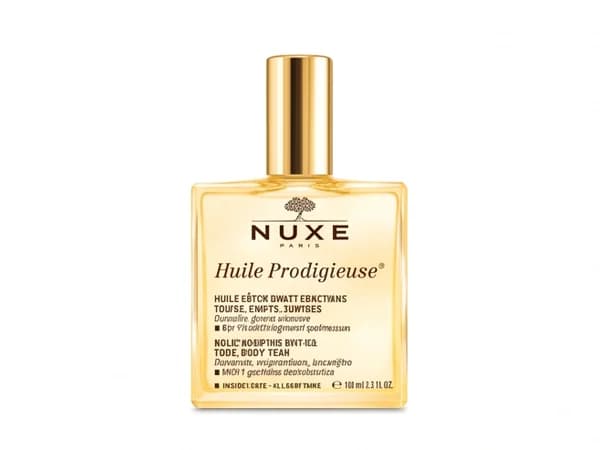
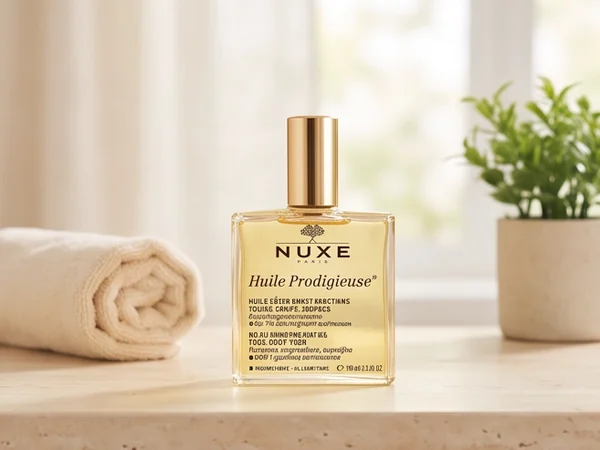
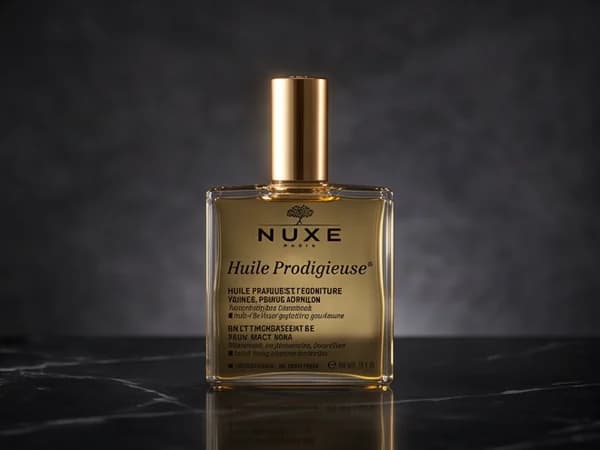
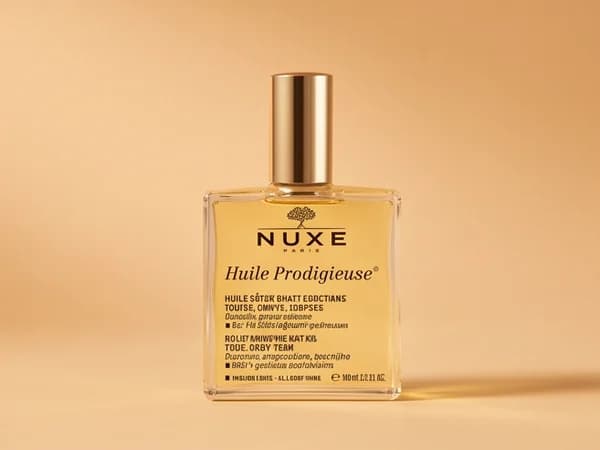
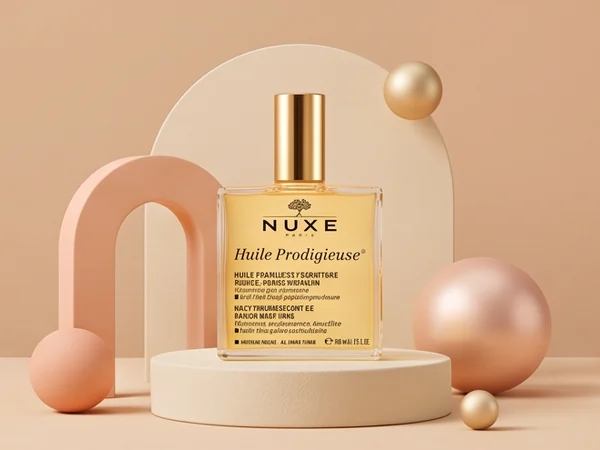
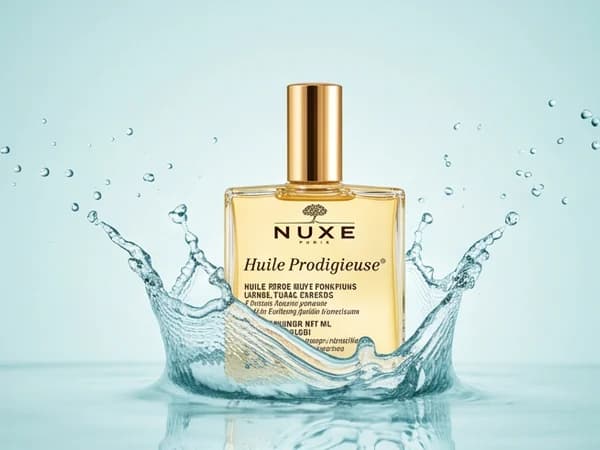
Made for the places you sell












How it works
Four steps. About a minute.
The short answer
The free AI product photoshoot turns one phone photo of a product into professional product photos. Upload the photo, pick up to three of twelve scenes (a white-background packshot, studio, lifestyle, in-hand, on-model, flat lay, podium, luxury, outdoor, splash, festive or Ramadan) and a format, then type your email. Each photo is redrawn around your real product in about 20 seconds, ready to download and sent to your inbox.
01
Upload a phone photo
Any clear photo of the product works: on a table, in your hand, in its box. The background goes; the product stays exactly as it is.
02
Pick scenes and a format
Choose up to three scenes, from a white-background marketplace packshot to a lifestyle shot in a real home, and a format: square, portrait, story or wide.
03
Add your email
Type where the photos should go. That's all we ask: no account, no card, no password.
04
Download your photos
Each photo appears the moment it's ready, in about 20 seconds. Download it here, or open the email that brings every photo in full size.
Why it works
The product you ship, in the photo you post.
01
Your real product
The AI redraws the scene, never the product. Shape, color and every word on the label stay as you shot them.
02
12 scenes, plus yours
From a white-background packshot to Ramadan gifts. Or describe your own in one sentence.
+Your scene
03
Marketplace-ready
Pure white, product at about 85% of the frame, a soft shadow and nothing else.
- Pure white#FFFFFF
- ~85% of the frame85%
- Soft shadow
- No text, no props
04
Every placement
Square for marketplaces, portrait for feed ads, story for Reels and TikTok, wide for banners.
1:1
Marketplaces
05
About 20 seconds
Every photo appears the moment it's ready. No booking, no quote, no waiting.
~20 s
- AARGANOIL · SERUM50 ML · 1.7 FL OZ
White packshot
- AARGANOIL · SERUM50 ML · 1.7 FL OZ
Studio
- AARGANOIL · SERUM50 ML · 1.7 FL OZ
Luxury
06
Shot for your buyers
Homes and people look right for your market, modestly styled, with no text in the photo, so one shoot works in every language.
Tips
Five habits for better photos.
- 01
Use daylight
Stand near a window. Skip the flash.
- 02
Fill the frame
Get close and keep the product sharp.
- 03
Label toward the camera
What the camera sees is what the photos keep.
- 04
One product per photo
A set or bundle works if it's one group.
- 05
Say what it is
Add a few words, like “argan oil serum, 50 ml”, to help pick the right scene.
Next step
Turn one photo into the whole campaign.
With a free account, the same photo becomes ad posters, UGC video ads, a landing page and ad copy in 40 languages.
Plans from $15 a month
01Is the AI product photoshoot really free?
Yes. Everyone gets 3 free photos with no account, no card and no visible watermark. To make more, create an account: plans start at $15 a month and include ad posters made from your product photo, UGC video ads, landing pages and ad copy.
02Why do you ask for my email?
To send you every photo in full size so you keep them, and to keep the tool free: one email, one set of free photos. We also send occasional tips and offers for selling online; every email has an unsubscribe link.
03Will the AI change my product or its label?
No. The image model works from your photo and is told to keep the product exactly as it is, including every word and logo on the label. If a shot isn't right, try a sharper photo with the label facing the camera, or another scene.
04What kind of photo should I upload?
A clear phone photo in daylight, with the product filling most of the frame and the label facing the camera. The background doesn't matter: it is replaced. JPG, PNG, WebP and iPhone HEIC photos up to 4 MB work.
05Can I use the photos in my store and my ads?
Yes. The photos are yours to use in your store, on marketplaces and in your ads, as long as you have the right to sell the product in the photo you uploaded.
06Which marketplaces accept the white-background packshot?
It follows the rule Amazon sets for main images (a pure white background, the product filling about 85% of the frame, no text or logos) and suits the white main images Noon, Jumia, Shopee, Trendyol and most other marketplaces ask for. Check each marketplace's own image guide for its size rules.
07How is this different from Google Pomelli?
Google's Pomelli Photoshoot is free but, as of 2026, only open in the United States, Canada, Australia and New Zealand. This photoshoot works in every country, has twelve scenes including Ramadan and Eid and marketplace packshots, four formats, and emails you the photos. Full comparison: symplysis.com/compare/pomelli-alternative
08Do you keep my original photo?
No. Your original photo is only sent to the image model to make your shots and is not stored. The finished photos are stored so you can download them and open them from the email; anyone with their link can view them.
Turn your product photos into ads that sell
Create an account and the same photo becomes UGC video ads, ad posters, a landing page and ad copy in 40 languages. Plans start at $15 a month.
Guides
- Stores
White background product photos: marketplace rules and how to make them with AI
4 min read - Marketing
Lifestyle product photo ideas: 12 scenes that sell, by product type
5 min read - AI
Photograph products with AI in studio quality from phone photos
7 min read - Stores
Product images and gallery in your store: ordering and display rules
8 min read